2026 RELEASE 4
July 2026
We push back our pre-summer release by a week to account for a High Severity Security Patch for Umbraco Forms which was landing w/c 27th July. With the new LOOP infrastructure we were able to deploy this twice as quickly, keeping sites updated and running smoothly going into the summer holidays.
Plus there's lots more...
- AI optimisation - LLMS.txt (like a sitemap for AEO) can now be created and added straight in the CMS
- AI optimisation - FAQ schema is now automatically generated
- Password protection can now be applied to specific pages or areas of the site, managed entirely within the CMS
- New 'Feature list' block (example)
- New 'Signpost panel grid section' block (example)
- Umbraco Core patch - upgraded to version 13.15.1 for high severity vulnerability
Split out more page elements as modules, to reduce initial asset load sizes
Added layout optimisations with newer CSS rules
Changed front-end compilation to 'baseline widely available' (reduces polyfills shipped for old browsers)
Various JavaScript updates for code performance improvements
Disabled effects for blocks already in the viewport on load
Umbraco Forms - made CSS loading non-thread-blocking
WebP images - improvements to the way images are served
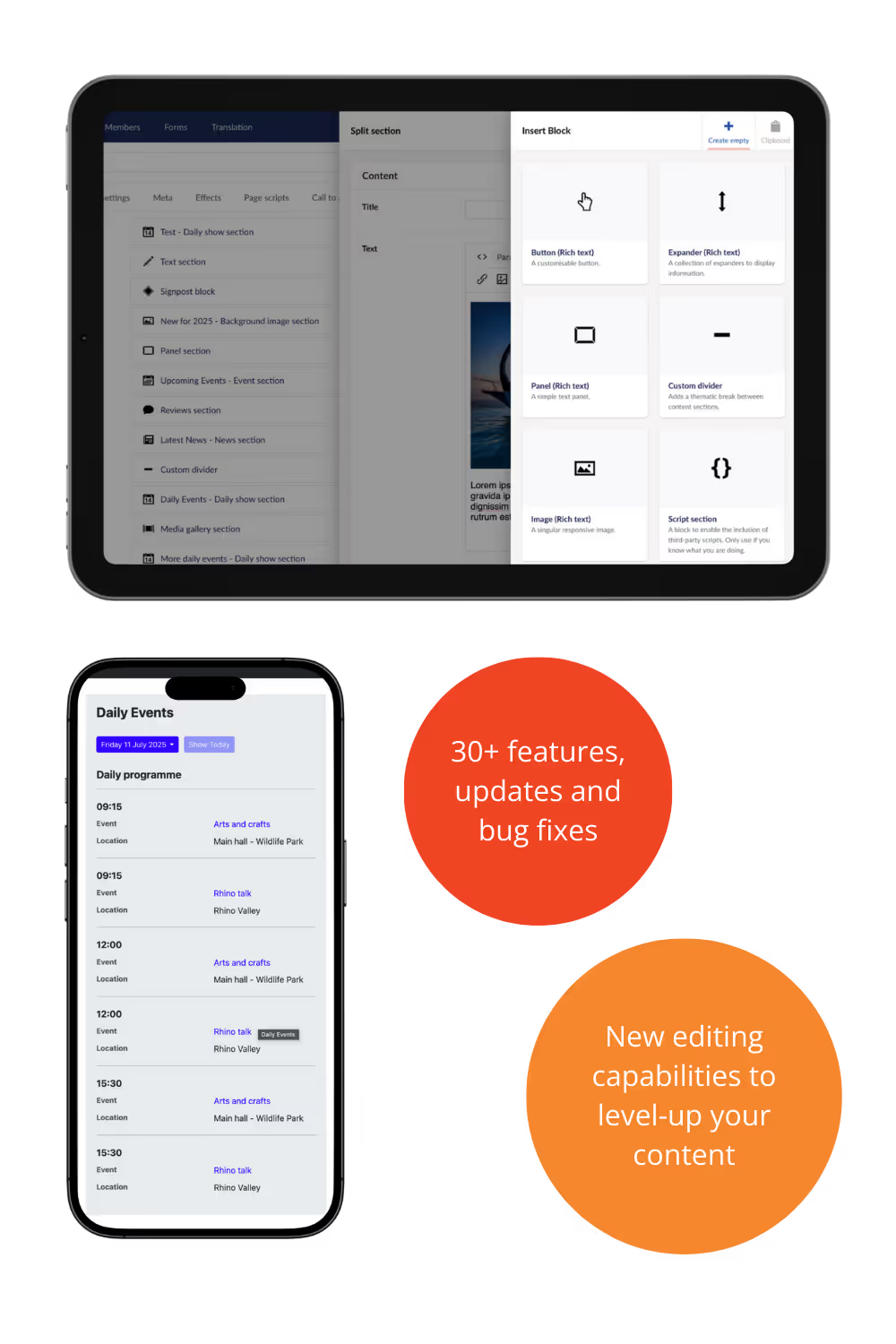
Daily show section block - fixed Title & Text CMS fields not pulling through on the frontend
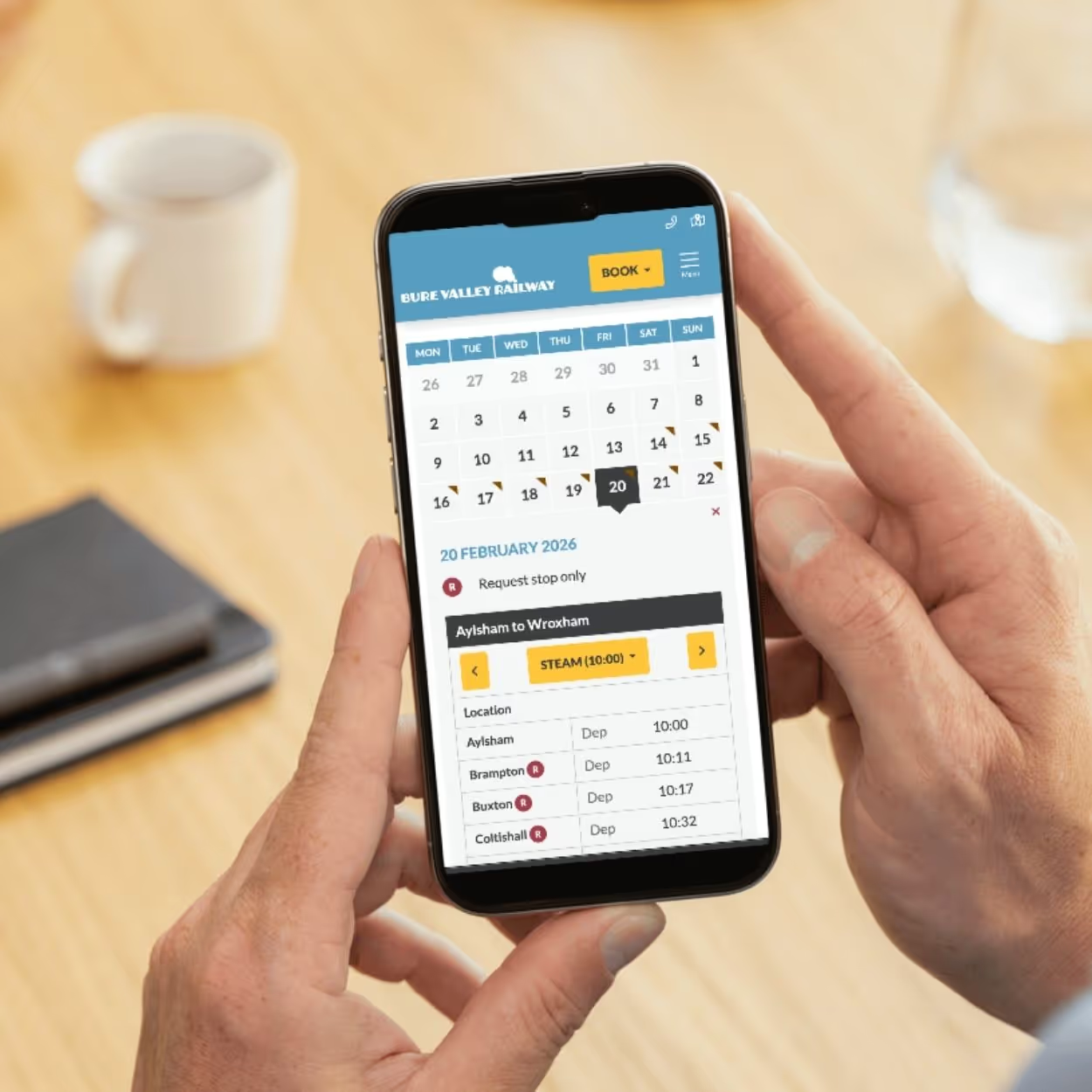
Transport timetable - fixed issues where events titles were not being pulled through correctly
Fixed header links pointing to an unpublished/deleted page
Fixed page error caused when a listing image had been deleted from the media section
Hero Area - fixed a spacing bug for full-height hero + page-title-area
Fixed incorrectly calculated image sizes property (Media gallery, Image & Text Carousel)
Hero Video (YouTube) - fixed incorrectly added iframe class
Smoke FX - fixed the CMS 'travel' setting not being applied (stayed on default value)
Heading FX - fixed extra line-spacing when titles wrap onto multiple lines
Reviews - star rating no longer renders in source code if left as 0 in the CMS
Capped image requests to 30 seconds to mitigate an issue causing some sites to go down
Mega menu
- New CMS setting to add a link to sub-menu item headings in the dropdowns
- New 'Link text override' setting for the dropdown top-level text, avoiding repetition of the top-level navigation
- Option to have the menu element appear in front of the header background (default is behind)
- More font-styling variables added for mega-menu elements
- Feature section items now handle not having a link set
Events listing
- New CMS setting to set how many events appear on a single page
- New block editor in the CMS so content can be added underneath the event listing
- Section IDs added to event listing and featured event section for anchoring
Opening times calendar
- Today/tomorrow opening times panels can now be enabled/disabled in the CMS
- Added option to style weekend days with different background colours
Media & uploads
- Media upload limits increased in CMS - images: 10,000px max width/height; other files: 20MB max size
Content blocks
- Text section block - new setting to make the text section wider on desktop
- Decoy panel section block - now supports 2 call-to-action buttons
Visual effects & styling
- Screen effects can now be set to show behind page content
- Hero area - new toggle for a parallax effect on hero images and video
- Buttons & Social Icons - added support for 'corner-shape' (progressive enhancement)
- Added option for view-transitions between page loads (progressive enhancement)
- Signpost Panels - 'Overlay' variant now inherits panel border-radius by default
- Carousels - added wrapping support for a large number of nav indicators
- Signposts Block - styling improvements when following a hero area with a bottom-edge mask
- Image scaling on hover - more settings for transform CSS
- Buttons - added 'scale on hover' effect option
- Panels - added a newer masking technique as an option
- Listing Panels - added 'scale on hover' effect option
- Responsive Nav Bar - more styling/masking options for 'prev'/'next' nav buttons
- Interactive Map - label text wrapping improvements
- Footer Social Icons - added masking shape options to match button options


.avif)